# Versions Explorer
The Versions Explorer shows you how your events change from version-to-version.
## Version Listing
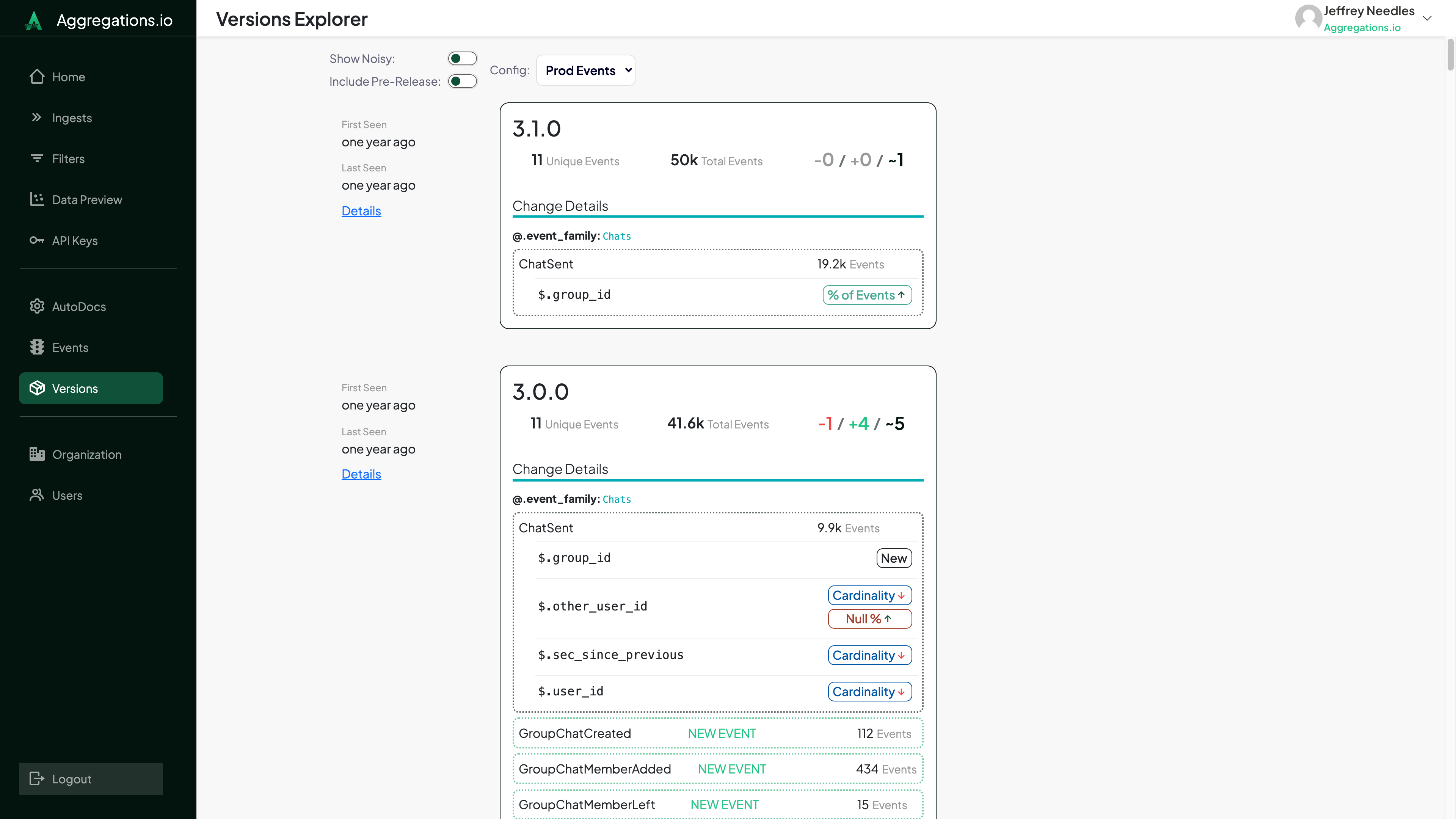
When you enter the Versions Explorer you'll be presented with your most recent versions presented in descending order.
:::spacer-2
:::
Each version is presented with a quick summary including metadata about when the event was first observed, how many events & how many changes have been observed compared to the previous version. The ==Change Details== only shows events with observed changed.
You can also click the **Details** link to dig deeper into specific version comparisons. More details BELOW ****.
### Noisy Properties
At the top of the Versions Explorer you can opt to include "Noisy" Properties. They are hidden by default.
A noisy property is one that has been observed to change frequently between versions. The level of noise by default is 10 changes per 100 versions or a parent object with children changing more than 20 times per 100 versions.
## Change Details
:::mw-floated-next
Each event with changes will list out the changed properties.
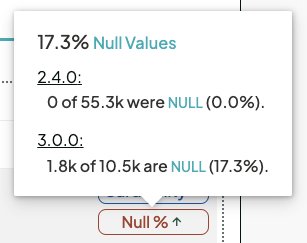
You can hover over each change listed for more specifics on what actually changed.
:::
:::clear-both
:::
**Changes tracked include:**
Change | Definition
--- | ---
New Events | An event that was not present on the previous version.
Removed Events | An event that was present on the previous version but is no longer observed.
New Properties | A property that was not present on the previous version of this event.
Removed Properties | A property that was present on the previous version of this event but is no longer observed.
Cardinality +/- | The cardinality, either in raw number or relative to the total event count has changed between the versions.
Null % +/- | The % of occurrences of this property observed with a null value has changed between the versions.
Empty % +/- | The % of occurrences of this array property with an empty array has changed between the versions.
% of Events +/- | The % of events observed with this property _present_ has changed between the versions.
## Detailed View
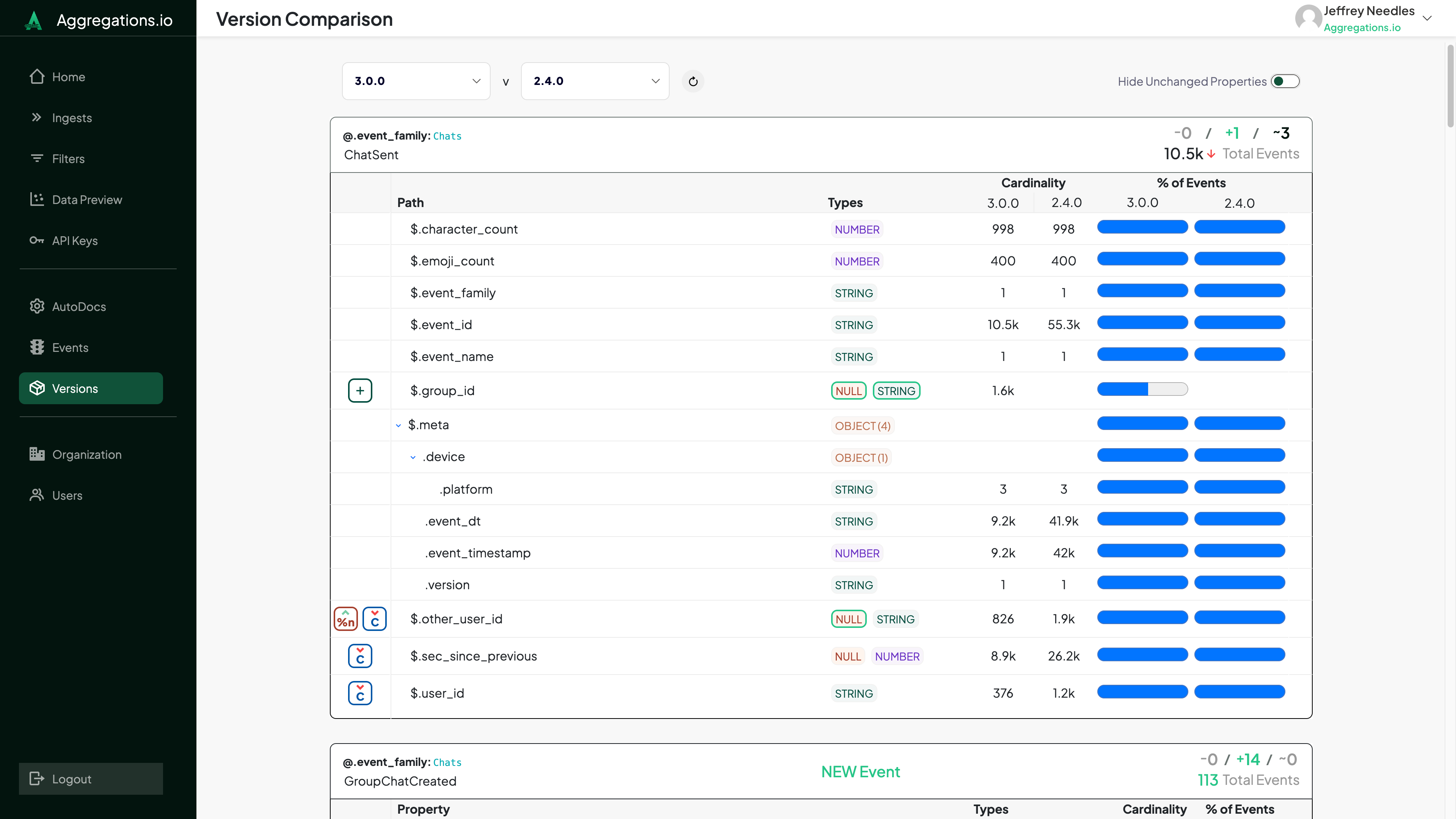
The detailed Version Comparison allows you to compare the structures of your events between any two versions.